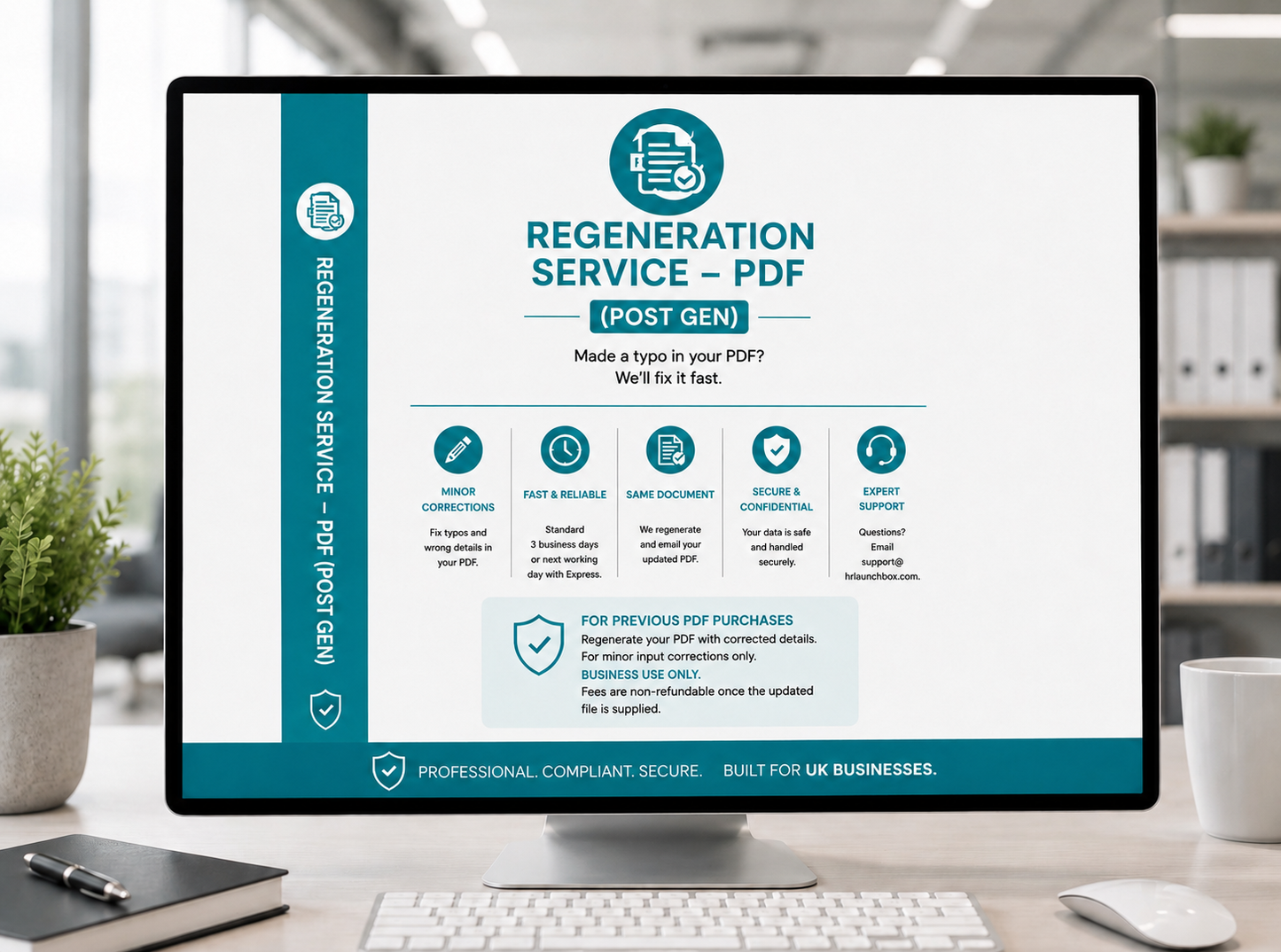
Spotted a typo in your PDF? We'll regenerate it with the corrected details, if within 30 days of original purchase. For PDF-only orders where the input had a mistake — not for changing legal terms.
Is this the right service?
Regeneration is for minor input corrections to a previously purchased PDF. It is not for changing the legal terms or structure of a document.
- Name, address, job title formatting
- Start date, other dates, simple typos
- Correcting a salary figure or decimal (not pay structure)
- Signatory name/title, company details
- Fixed-term ↔ permanent status or employment → contractor
- Clause changes (notice, probation, hours, location, bonuses)
- Adding or removing restrictive covenants
- Re-issuing the document to a new employee or engagement — each document is licensed for the original individual or role; for a new hire, purchase a new document so the Personalisation Studio runs fresh
- Jurisdiction or governing law changes
How regeneration works
From request to corrected PDF in 3 working days — faster with Express.
-
1
Submit the request
Complete the form and pay. We acknowledge receipt within 1 working day with your order confirmation.
-
2
We regenerate your PDF
Our team applies your corrections and regenerates the PDF — 3 working days standard or next working day with Express.
-
3
Receive your corrected file
The updated PDF is emailed to your original purchase address. Check the changes; if anything needs further adjustment, just reply to the email.
Unsure if Regeneration is the right service? Email support@hrlaunchbox.com before purchasing. For changes outside scope, consider purchasing a new document or use the Amendment Service if your original included Word.
About add-ons. The Express Scheduling add-on, when available, appears with the form above. Adding Express moves your request to the priority queue: next working day from acknowledgement instead of three.
Licensing: read the full licence terms in our Terms of Service.