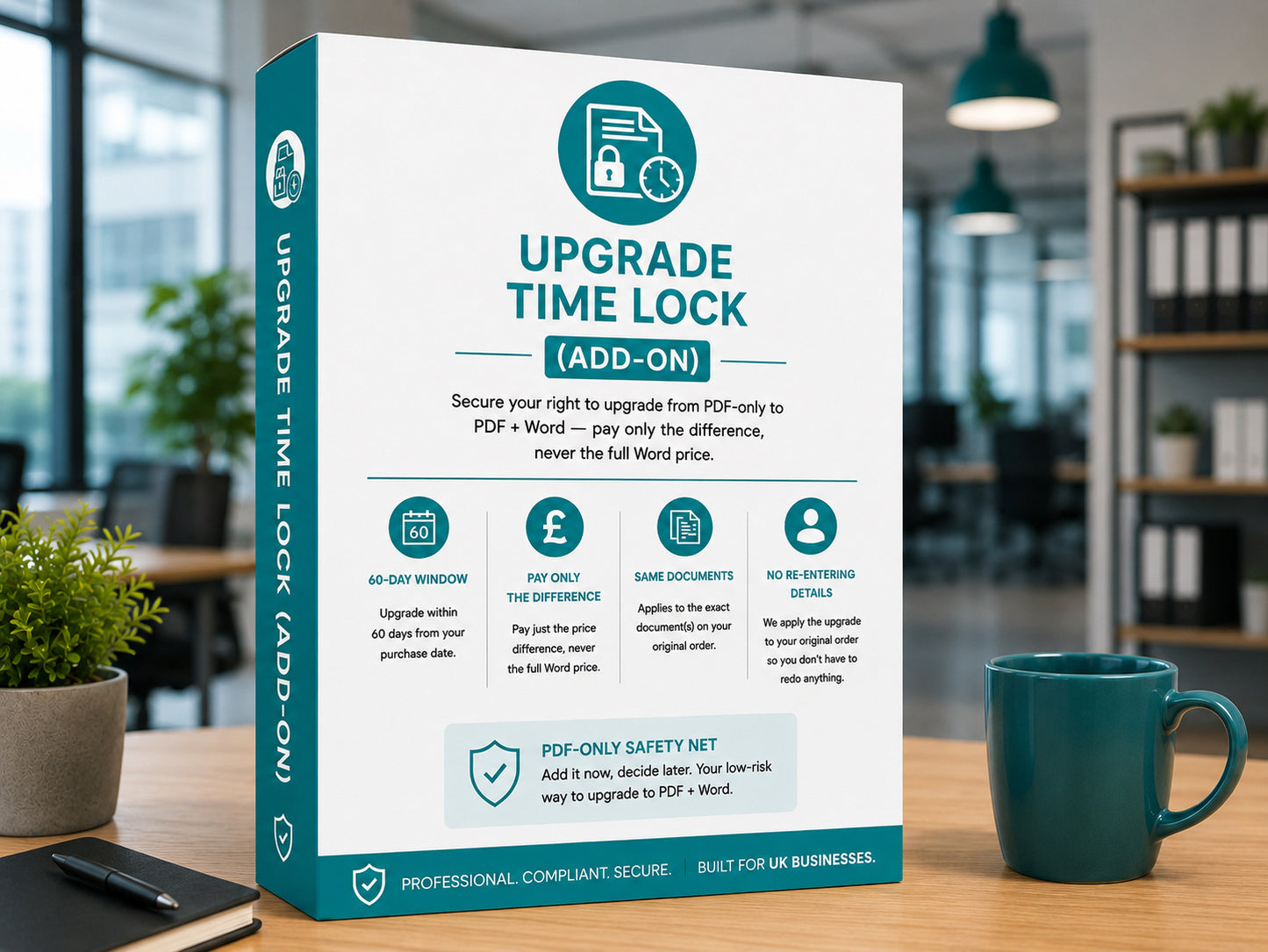
Choosing PDF-only but think you might want the editable Word version later? Add the Upgrade Time Lock to your order. It's the only way to upgrade to PDF + Word after purchase without redoing your personalisation — and because your Lock fee is credited toward the upgrade, holding that option open costs you nothing if you go on to use it.
What you'll receive
- A 60-day window from your original purchase date to upgrade your PDF to PDF + Word.
- The upgrade applied against your original, already-personalised order — no re-entering details, no running the Studio again.
- Your Lock fee fully credited toward the upgrade, so holding the option open costs you nothing if you go on to upgrade.
- Applied to the exact document(s) on your original order — one upgrade per document/pack.
Lock or no Lock
The Upgrade Time Lock is the only route from PDF-only to PDF + Word that keeps your personalised document intact. Without it, the only way to get Word later is to buy PDF + Word fresh and complete the Personalisation Studio again from scratch.
- 60-day window to upgrade
- Your document stays personalised — no re-entry
- Lock fee credited toward the upgrade
- Upgrade tied to your original order
- No upgrade route on your original order
- Buy PDF + Word as a fresh purchase
- Personalisation Studio runs again from scratch
- Re-enter every detail a second time
How it works
Simple, low-risk. Add it now, decide later.
-
1
Add the Lock to your order
Add it alongside your PDF-only document at checkout. The Lock is tied to the exact document(s) you've bought.
-
2
Decide within 60 days
If you don't need the Word version, do nothing — your PDF still works. If you do want it, visit our PDF → Word Upgrade page within 60 days.
-
3
Upgrade without redoing anything
We apply the upgrade to your original, already-personalised order — with your Lock fee credited off the price. Our team verifies your order and emails the Word file within 1 business day.
Which variant to choose
Pick the Lock variant that matches what you're buying. The price for each is shown in the variant selector above.
- Single document — covers one PDF document.
- Starter Pack (3 docs) — covers all three documents in the UK New Hire Starter Pack.
- Starter Pack + (4 docs) — covers all four documents (incl. Handbook) in the UK New Hire Starter Pack +.
Good to know
- The Lock is product-specific — it matches the exact document(s) on your PDF-only order.
- One upgrade per document, within the 60-day window.
- Your Lock fee is fully credited toward the upgrade — the upgrade price already has it taken off, so the Lock costs you nothing if you go on to use it. It's only non-refundable if you choose never to upgrade.
- The real benefit is convenience, not a discount: it keeps your personalised document intact so you don't have to complete the Studio a second time.
- Available on single documents and self-serve bundles. Not relevant on Premium packs — those include Word by default.
Your privacy, unchanged. We already retain your purchase details securely under our Privacy Policy — this add-on doesn't extend or change that.
Questions? Email support@hrlaunchbox.com and we'll respond within 1 business day.
Read the full add-on terms in our Terms of Service.