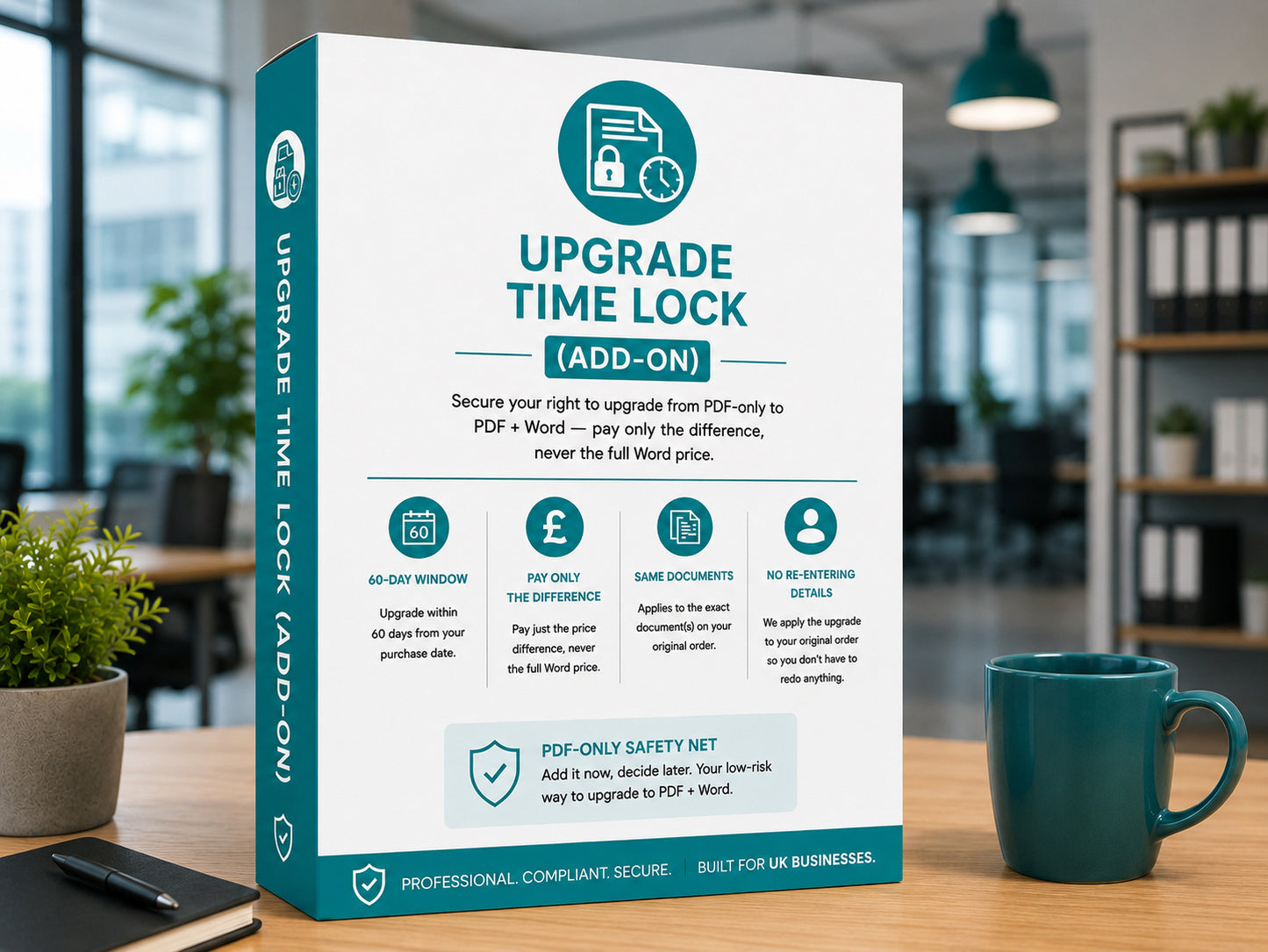
Upgrade Time Lock (Add-on)
Upgrade Time Lock (Add-on)
This item is added alongside eligible documents or packs. Please add it from the eligible product page or from your basket when prompted.
- PDF-only single documents
- PDF-only New Hire Starter Pack
- PDF-only New Hire Starter Pack +
Upgrade Time Lock
Buying the PDF? Keep the option to upgrade to Word.
Add the Lock to a PDF order and you can upgrade to editable Word within 60 days, without redoing the Personalisation Studio. Your Lock fee is credited against the upgrade, so it costs you nothing extra if you use it.
Added on the product page when you choose PDF
60days
To decide whether you want Word
Credited
Your Lock fee comes off the upgrade price
No re-entry
Your personalised document stays intact
1, 3 or 4
Documents covered by one Lock
Lock or no Lock?
The only way to upgrade without starting again.
Without the Lock, getting Word later means buying PDF + Word as a new order and completing the Studio from scratch.
With the Lock
- 60 days to upgrade to Word
- Your document stays personalised, with nothing to re-enter
- Lock fee credited against the upgrade
- Upgrade applied to your original order
Without the Lock
- No upgrade route on your original order
- Buy PDF + Word as a new purchase
- The Personalisation Studio runs again from the start
- Every detail entered a second time
Which Lock to choose
Match it to what you're buying.
The price for each is shown at the top of this page and on the product page.
Single document
1 documentOne PDF
For the offer letter, employment contract, new starter checklist or employee handbook.
Starter Pack
3 documentsOffer letter, contract, checklist
Covers every document in the UK New Hire Starter Pack.
Starter Pack +
4 documentsIncluding the handbook
Covers every document in the UK New Hire Starter Pack +.
How it works
Add it now, decide later.
-
01
Add the Lock to your order
Tick it on the product page when you choose the PDF format. It's tied to the documents you buy.
-
02
Decide within 60 days
Happy with PDF? Do nothing. Want Word? Visit the PDF to Word upgrade page.
-
03
Get Word without redoing anything
Pay the difference with your Lock fee credited. We verify your order and email your Word file within 1 working day.
Good to know
Simple, fair rules.
Tied to your order
The Lock covers the exact documents on your PDF order.
One upgrade each
Upgrade each document once, within 60 days of purchase.
Credited when you upgrade
The fee is credited when you upgrade. It's only non-refundable if you never do.
Not needed on Premium
Premium packs already include PDF and Word as standard.
Questions
Before you add it
Anything else? Email us and we'll reply within 1 working day.
team@hrlaunchbox.com →Can I buy the Lock on its own?
No. Add it on the product page when you choose the PDF format, so it's tied to the documents you're buying.
Why not just buy PDF + Word now?
If you know you'll want Word, PDF + Word is the simplest choice. The Lock is for when you're not sure yet and want to keep the option open.
What does the upgrade cost?
The difference between PDF and PDF + Word, with your Lock fee already taken off. You'll see the exact price on the PDF to Word upgrade page.
Can I add a Lock after I've bought the PDF?
No. It has to be added with your original order. Without it, you'd buy PDF + Word as a new order.
What happens if I don't upgrade?
Nothing. Your PDF works as normal. The Lock fee isn't refunded if you choose not to upgrade.
Keep your options open
Choose PDF today, decide on Word later.
Pick a document, choose PDF and add the Upgrade Time Lock next to your format choice.
Business use only. Read the full add-on terms in our Terms of Service.